How it works
You talk. Your AI builds. You open a link.
Three steps to your first preview, in minutes. Then a real business website with your domain and your email, run from the chat you already use.
- 01
Connect your AI.
Create an account with your email; there is no card to enter. Your dashboard then walks you through switching AgentBuild on inside the ChatGPT or Claude you already use, step by step. Nothing to install.
That is the only setup there is.
About two minutes
See the setup steps - 02
Tell it about your business.
The dashboard hands you a starting message to paste into the chat. From there your AI asks about your business one question at a time: what you do, who you serve, what matters most. You answer in plain words. No form, no fields.
Anything you do not have yet, like photos or exact hours, becomes a marked placeholder to fill in later; your AI asks rather than guesses. When it has enough, say “build it.”
One conversation
- 03
Open your preview link.
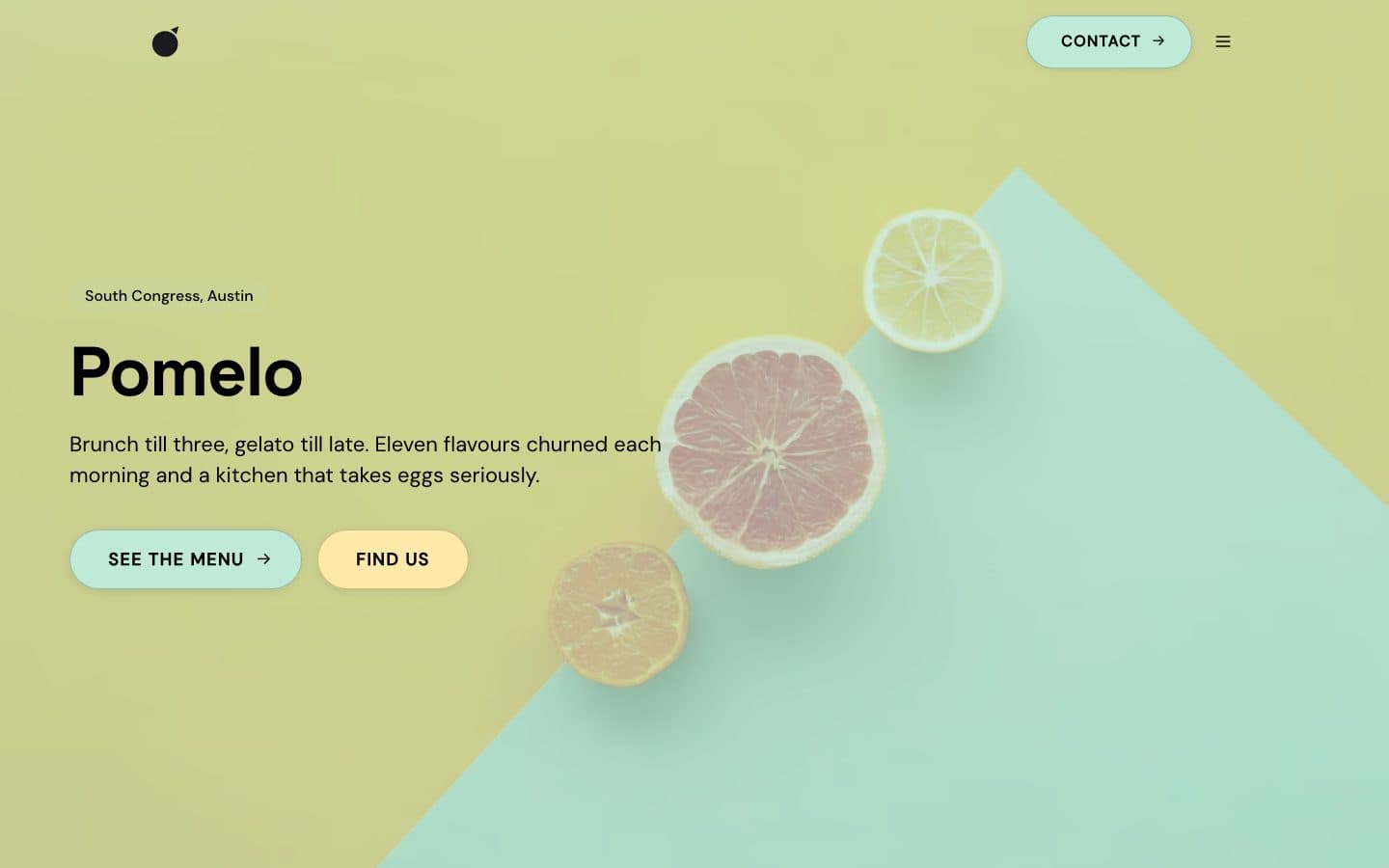
Your AI builds a real site: real pages, copy written for your business, photos chosen from a curated library or found for you. It hands you a preview link at yourname.agentbuild.site. Open it on your phone. Send it to a friend.
Your AI shapes the design to your taste. It starts from a template designed for your kind of business, built from modern components, then tunes the colors, type, and layout until it feels like yours. Ask for warmer, calmer, or bolder and it adjusts, or start again from a different template.
Anyone with the link can view the preview, but nothing appears at your own domain until you publish. Every change lands on the preview first.
Your first preview
Browse the templates
Then make it yours
Change anything by asking.
The chat is the editor. Say what you want in your own words; your AI makes the change and hands the preview back. Iterate as much as you like before anything goes live. Back in a new chat later? Starting with “Use AgentBuild to…” helps your AI pick it.
- Make the homepage feel more like a neighborhood café, less like a chain.
- Warmer colors, and a friendlier font.
- Swap the hero photo for the one I just sent you.
- Add a booking button that opens my Cal.com.
- Write the about page in my voice, shorter.
- Update Saturday hours to 8 to 2.
- Add a page for catering with a contact form.
After the preview
A real business website, run from the chat.
Go live on your own domain.
Use a domain you already own, or get a new one at Hover, our registrar partner, and connect it in one click. Any registrar works; your AI connects the domain and tells you the one setting to change. When the preview looks right, say “publish” and your site goes live at your address.
Email at your domain.
hello@yourname.com, set up by your AI and forwarded to the inbox you already check. No new mailbox to log into.
Leads land in your inbox.
Contact forms on your site store every submission and forward it to you. Ask your AI what came in this week.
Updates from anywhere.
New prices, new hours, a blog post, a holiday notice: say it to your AI from your phone. It updates the preview, and the change goes live when you say so.
Ask how it is doing.
Traffic, top pages, where visitors come from. Your AI reads the numbers back to you in a sentence, not a dashboard.
No dashboard to learn.
Every change, from a typo to a whole new page, is a message to your AI. There is no editor to log into and nothing to remember twice a year.
One API. The whole lifecycle of a website.
AgentBuild is where an agent operates a business web presence: templates, content, design, build, deploy, DNS, email, forms, SEO. One surface, one call pattern, one bill, whichever AI the human uses. The full tool inventory is on the agents page and at /.well-known/agentbuild.json.
What happens when your agent calls the API
Template + content
Your agent picks a template from our curated library (15 section types, ~25 variants), fills in the content, picks a theme preset, and the site takes shape as structured JSON, never HTML.
Validate, then build
The platform validates every field before the build starts: broken links, missing required content, and invalid embed URLs are caught in milliseconds. A clean build generates static HTML for every page.
Deploy to the edge
Static files are served from Cloudflare's edge, close to every visitor. Every page is a cached file fetch. No runtime database, no cold starts, no autoscaling bill.
Domain + email
Your agent connects a domain (registrar-agnostic), configures DNS, and sets up email routing so hello@yourdomain.com lands in the inbox you already use. One API call each.
One call
From zero to deployed.
Your agent passes the business facts, a design preset, and the page structure. AgentBuild builds and deploys a preview site. From there, updates are another call to the same API.
site_build({
  slug: "pomelo",
  business_name: "Pomelo",
  business_type: "restaurant",
  preset: "warm-artisanal",
  description:
    "Brunch and gelato on South Congress, " +
    "Austin. Weekend crowd, walk-ins welcome.",
  pages: [
    { slug: "home", title: "Home",
      sections: [ /* hero, menu, hours, ... */ ] },
  ],
  discovery_notes:
    "Photos are placeholders pending owner upload.",
})

// -> preview deployed at
//    https://pomelo.agentbuild.site
Why static, why edge.
We run the same architecture Webflow uses to serve millions of sites. Static HTML, global CDN, zero compute per pageview. A stack of small, real advantages that add up.
- Zero compute per pageview. Static files from CDN. A viral moment costs nothing.
- Sub-30ms global TTFB. Cached at every CF POP. Singapore, São Paulo, Reykjavík: same speed.
- Core Web Vitals boost. Static HTML scores near-perfect on LCP, TTFB, CLS.
- Build-time validation. Typos, broken links, and schema errors fail the build and never reach a visitor.
- Resilience. No database in the request path. The site keeps serving during infrastructure incidents.
- No rate limits at scale. CDN handles whatever traffic the site gets. No Worker quotas, no cold starts, no autoscaling bills.
- Lower attack surface. No runtime query layer, no admin UI, no plugin system.